Open your camera
Allow camera access in the workspace above. Your camera preview stays on your screen until you start a filter.
 Live Face Swap
Live webcam filters
Turn your webcam into an anime cel, a watercolor, a comic panel or a neon city, or become a zombie, a cyborg or an elf, live while you talk. Try the filters in your browser, then use them in Zoom, Teams, Discord and OBS with the desktop app.
2 free filters, no sign-in · AI filters 7 credits per second · No GPU required
Your AI output appears here in real time.
7 credits per second of live AI output
Your camera feed is not recorded or saved, and other users cannot see it.
These filters run on your own device. No account, no credits and no video leaves your computer.
A real-time AI model redraws every frame of your camera in the style you pick. Click a filter to load it in the workspace.
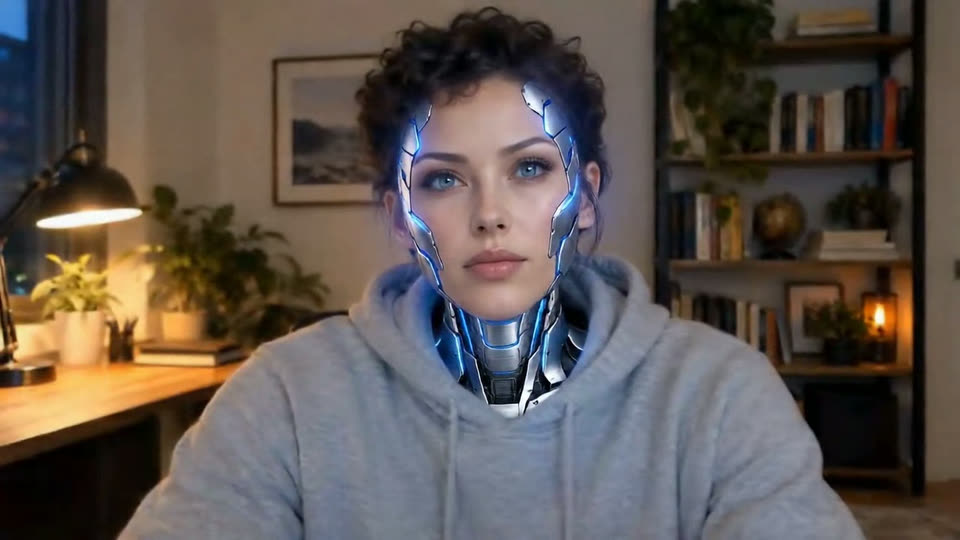
Swap your face for a character that follows your head turns, blinks and expressions. All characters are fictional and made for Live Face Swap.
Stills of fictional people from real live sessions. The small picture is the camera, the large one is the filtered output.
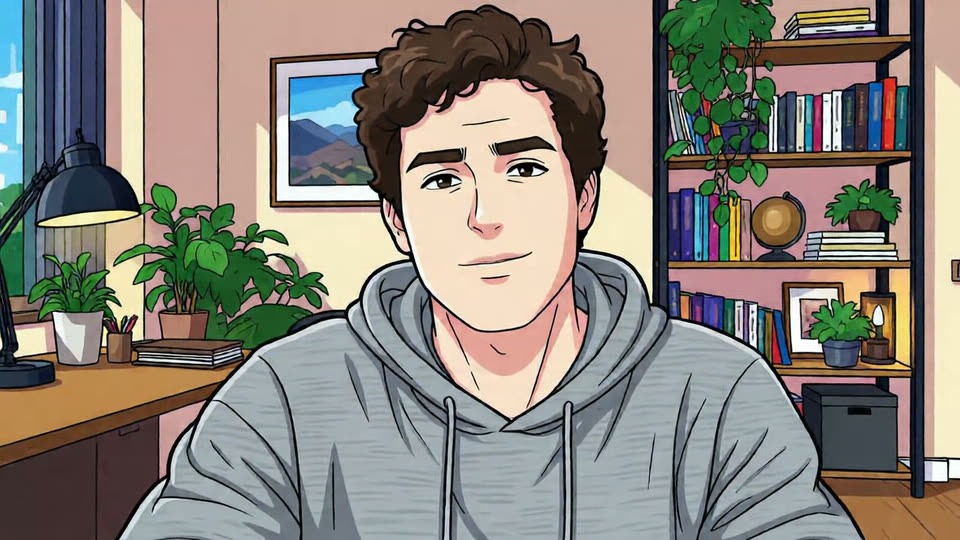
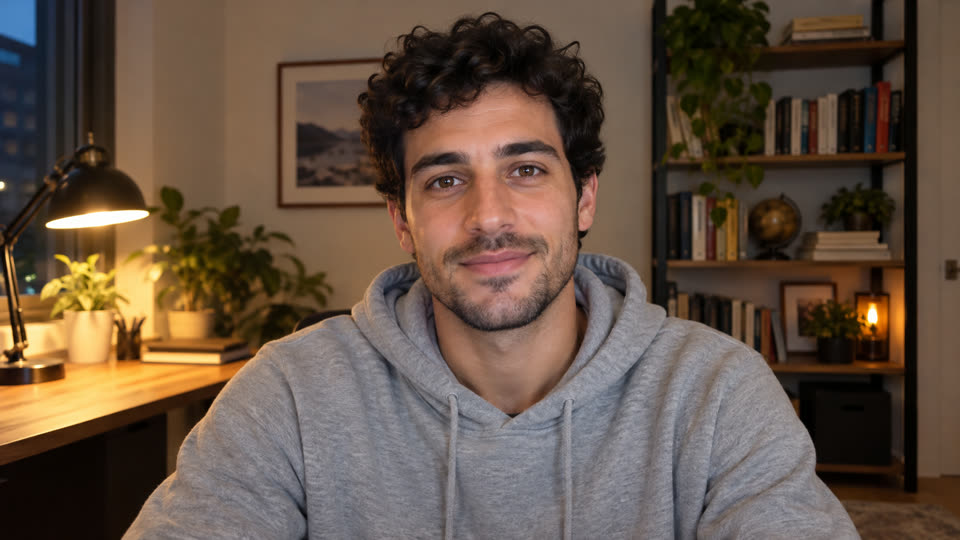 Camera

 Camera
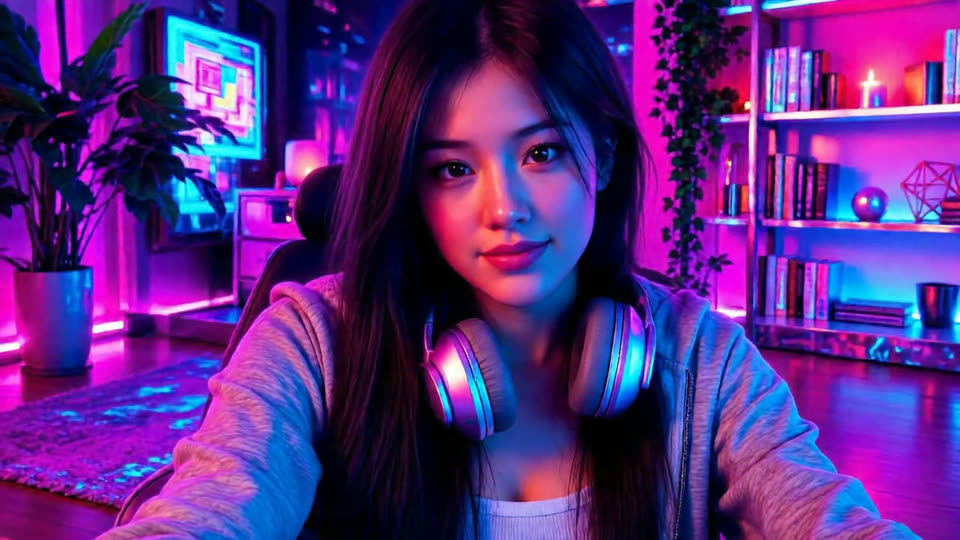
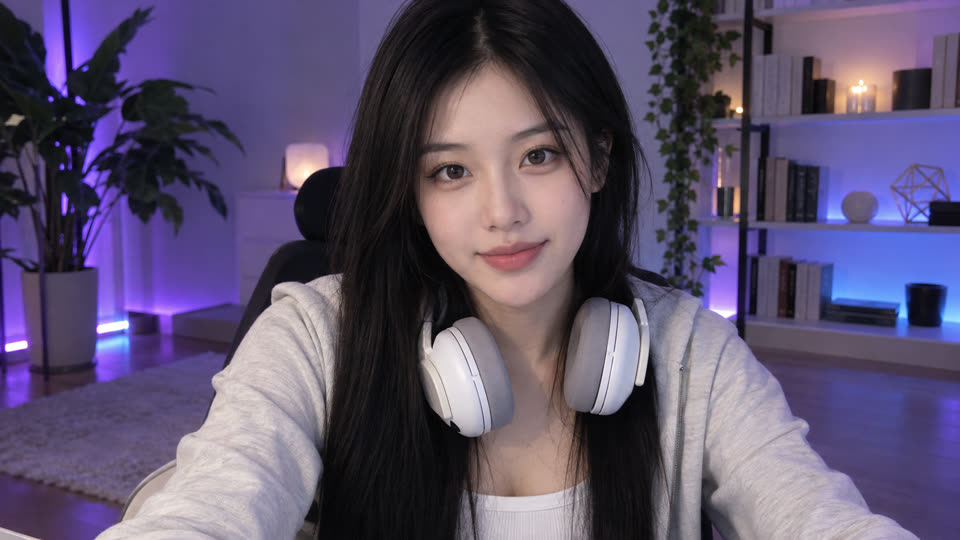 Camera
 Camera
Allow camera access in the workspace above. Your camera preview stays on your screen until you start a filter.
Choose a free filter, one of the AI art styles, or a character face such as a zombie, cyborg or elf.
Start the filter and keep talking. Change to another style or character at any time without restarting the session.
Install the Windows or Mac app to send the filtered video to Zoom, Teams, Google Meet, Discord or OBS as LiveFaceSwap Camera.
The desktop app adds LiveFaceSwap Camera, a virtual camera that carries the filtered video into other software.
In the desktop app, start a filter, then open the video settings of your meeting app and select LiveFaceSwap Camera as the camera.
Add a Video Capture Device source in OBS or Streamlabs, choose LiveFaceSwap Camera and stream to Twitch, YouTube or Kick.
Any app that lets you choose a webcam can use LiveFaceSwap Camera, such as Discord video calls.
Pencil sketch and Comic ink are free: they run on your own device, with no sign-in and no credits. The AI filters and character faces run on a cloud AI model and use 7 credits per second of live output. If no AI output ever appears, every credit is returned.
Yes, with the desktop app for Windows 11 or Apple Silicon Macs with macOS 13 or later. It adds LiveFaceSwap Camera, which you select in your meeting app like any other webcam. A browser tab cannot act as a camera for other apps, so the online workspace is for previewing.
Yes. Add LiveFaceSwap Camera as a Video Capture Device in OBS or Streamlabs, then stream to Twitch, YouTube, Kick or TikTok LIVE as usual.
Normal filters lay effects or color over your picture. The AI filters redraw every frame, so you, your clothes and your room turn into an anime cel, a watercolor or a neon scene while you move and talk. Character faces replace your face and follow your expressions.
No. The AI filters run in the cloud, and the free filters are light enough for ordinary laptops. You need a webcam, a stable internet connection and a current browser or the desktop app.
Yes. Pick another style or character while the session runs and the live output changes within a few seconds. Switching between a free and an AI filter changes the session type automatically; AI filters need an account with credits.
No. Live Face Swap does not record, save or share your camera feed, and the browser workspace has no recording or download feature.
Swap your face with a portrait in real time on any webcam.
Use LiveFaceSwap Camera in Zoom, Teams, Google Meet and Discord.
Add the AI output to OBS for Twitch, YouTube or Kick streams.
Download the Windows or Mac app with the LiveFaceSwap Camera virtual camera.
Start with a free filter in your browser, then download the desktop app to use it in your calls and streams.