Upload the GIF
Choose a GIF of up to 15 seconds and 20 MB. Small GIFs are enlarged before the swap so faces are easier to detect.
 Live Face Swap
GIF face swap
Put your own face, or a face you have permission to use, onto a reaction GIF or meme. Upload the GIF and a face photo, and download a looping GIF with the face swapped in every frame.
2 credits per second of the clip, 6 credits minimum · No watermark · Private to your account
The GIF whose face will be replaced. Up to 15 seconds and 20 MB.
One clear, front-facing face with the eyes, mouth and face outline visible.
2 credits per second of the clip, 6 credits minimum
Uploads and results are private to your account. Results show no watermark.
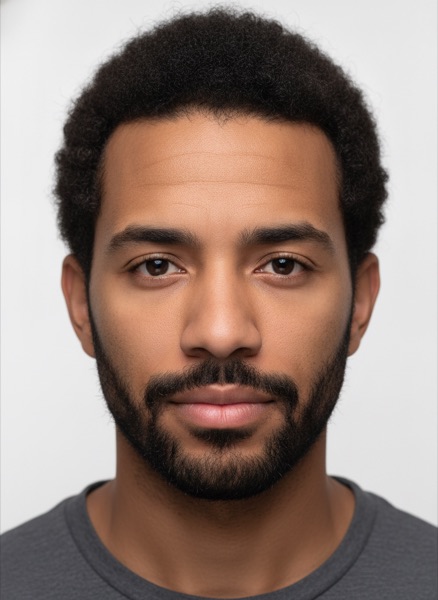
Both people are fictional and were generated with AI for this example.
Choose a GIF of up to 15 seconds and 20 MB. Small GIFs are enlarged before the swap so faces are easier to detect.
Add one clear, front-facing photo of the face to swap in.
The confirmed price is shown after the check: 2 credits per second of GIF, at least 6 credits.
Preview the result, then download a looping GIF ready to post in chats and on social media.
Turn a classic reaction GIF into one starring you for group chats and comments.
Make a playful GIF of a friend who agreed to be in it for a birthday message.
Create a short looping face swap to use as a personal sticker.
Live Face Swap also swaps your face in real time on a webcam, in the browser or through the Windows and Mac app as a virtual camera for OBS, Zoom, Teams and Discord.
Up to 15 seconds and 20 MB. Longer GIFs need to be trimmed first.
Two credits per second of the GIF, rounded up to whole seconds, with a 6-credit minimum. Most reaction GIFs are 2 to 5 seconds, so they use 6 to 10 credits.
Yes. Download GIF gives you a looping GIF up to 480 pixels wide at up to 15 frames per second, a good size for chats and social posts.
Faces in small GIFs are hard to detect, so GIFs with a short side under 480 pixels are enlarged before the swap.
The largest face in the GIF. GIFs with one clearly visible face work best.
Only use faces you have permission to use and keep it clearly playful. Do not use face swaps to impersonate, deceive or harass anyone, and never create explicit content.