Upload the target video
Choose an MP4, MOV or WebM clip of up to 15 seconds. It is checked before anything is charged.
 Live Face Swap
Video face swap
Upload a short video and a face photo. The AI replaces the face in every frame while keeping the original motion, expressions, mouth movement and lighting, so the clip looks natural from start to finish.
2 credits per second of the clip, 6 credits minimum · No watermark · Private to your account
The video whose face will be replaced. MP4, MOV or WebM, up to 15 seconds and 100 MB.
One clear, front-facing face with the eyes, mouth and face outline visible.
2 credits per second of the clip, 6 credits minimum
Uploads and results are private to your account. Results show no watermark.
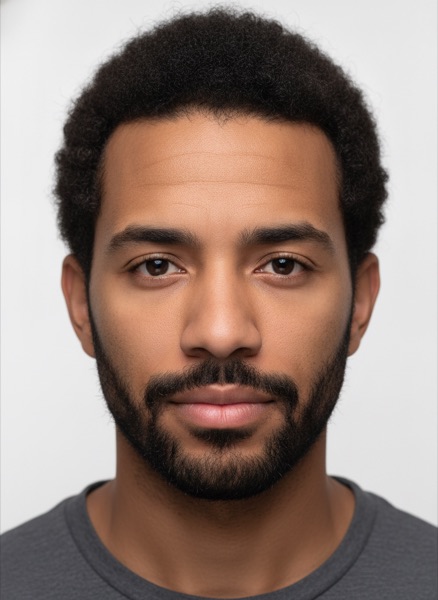
Both people are fictional and were generated with AI for this example.
Choose an MP4, MOV or WebM clip of up to 15 seconds. It is checked before anything is charged.
Add one clear, front-facing photo of the face to swap in.
The confirmed price is shown after the check: 2 credits per second of video, at least 6 credits.
Watch the result in the browser and download it as an MP4. It is also saved to your account.
Swap your own face into a short dance, reaction or sketch clip for TikTok, Reels or Shorts.
Make a clearly labeled parody with a friend who agreed to star in it.
Preview how an actor or presenter would look in a reference clip before you film the real scene.
Live Face Swap also swaps your face in real time on a webcam, in the browser or through the Windows and Mac app as a virtual camera for OBS, Zoom, Teams and Discord.
Up to 15 seconds and 450 frames (for example 15 seconds at 30 fps), MP4, MOV or WebM, up to 100 MB. Trim longer videos before uploading.
Two credits per second of the uploaded clip, rounded up to whole seconds, with a 6-credit minimum. A 10-second clip uses 20 credits. The exact price is shown before you start.
The largest face in the video is replaced. For the cleanest result, use a clip where one person faces the camera.
The live face swap edits your webcam in real time for calls and streams. The video face swap edits an existing clip and gives you a finished file to download.
Well-lit clips with a stable, clearly visible face. Fast motion, heavy blur, sunglasses or hands over the face make the swap less accurate.
Only use faces you own or have permission to use, tell viewers when a video has been altered, and never create sexual content or impersonate a real person. Every upload is checked for explicit content.